Mind map examples and diagram ideas
Explore 22 mind map and diagram examples created in Smart MindMap. Use a mind map to organize ideas around a topic, a flowchart to explain decisions, or a specialist diagram for a system or team.
Start with a practical example below, or browse by diagram type. Select an image to enlarge it. These are finished images for inspiration; editable starting points are available inside the Windows app through File → New From Template.
Mind maps
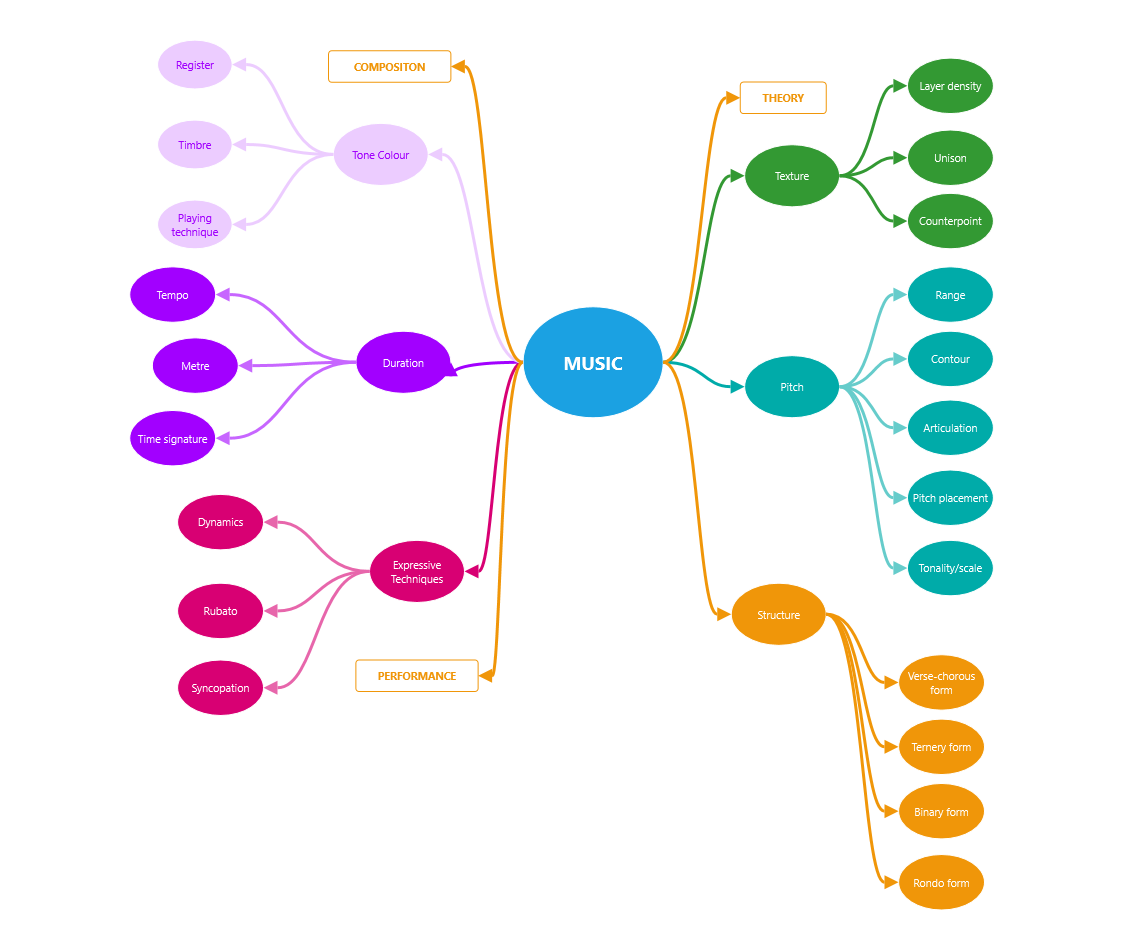
Music concepts
A music mind map covering composition, theory and performance.
Study a subject with a mind map
The Music concepts example shown here groups related ideas into branches such as pitch, texture, duration and structure. The same approach works for a course topic, a research question or a meeting brief.
- Put your subject in the center and choose four to six main topics.
- Add short supporting ideas as smaller connected shapes. Keep one idea per shape.
- Use one color for each branch, then check that the labels remain readable at the size you will share.
Follow the current mind map quick start or watch the basic mind map tutorial.
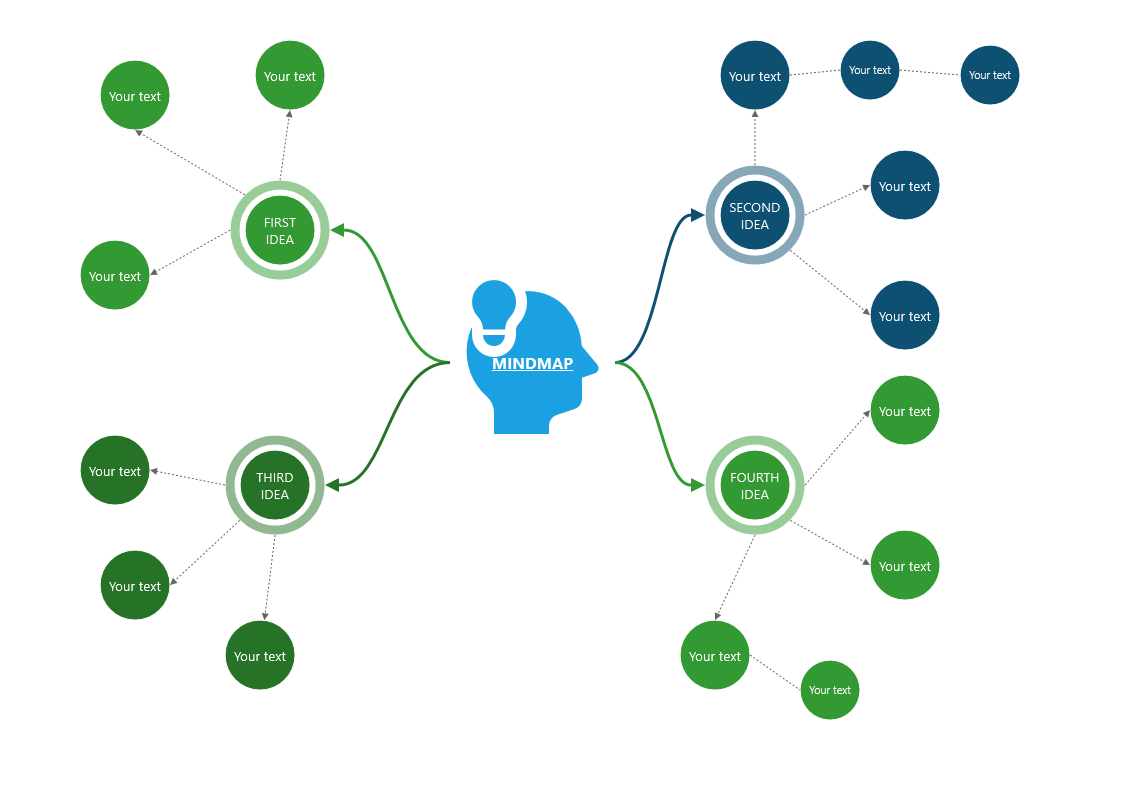
Four ideas to explore
A four-branch mind map with space for supporting ideas.
Turn four ideas into a project plan
Use the Four ideas to explore layout shown here as a starting structure. For a small launch, the four branches could be Audience, Message, Deliverables and Next actions. Replace the example’s placeholder labels with your own short notes.
- Name the central goal and give each branch a clear purpose.
- Add the decisions, questions and next actions underneath the relevant branch.
- Review the map with your team, then export a copy for the project brief.
Build the branches step by step and choose an export format.
To present a plan, follow the mind map to PowerPoint guide. It includes a separate product launch example with an editable XML project and an exported PPTX.
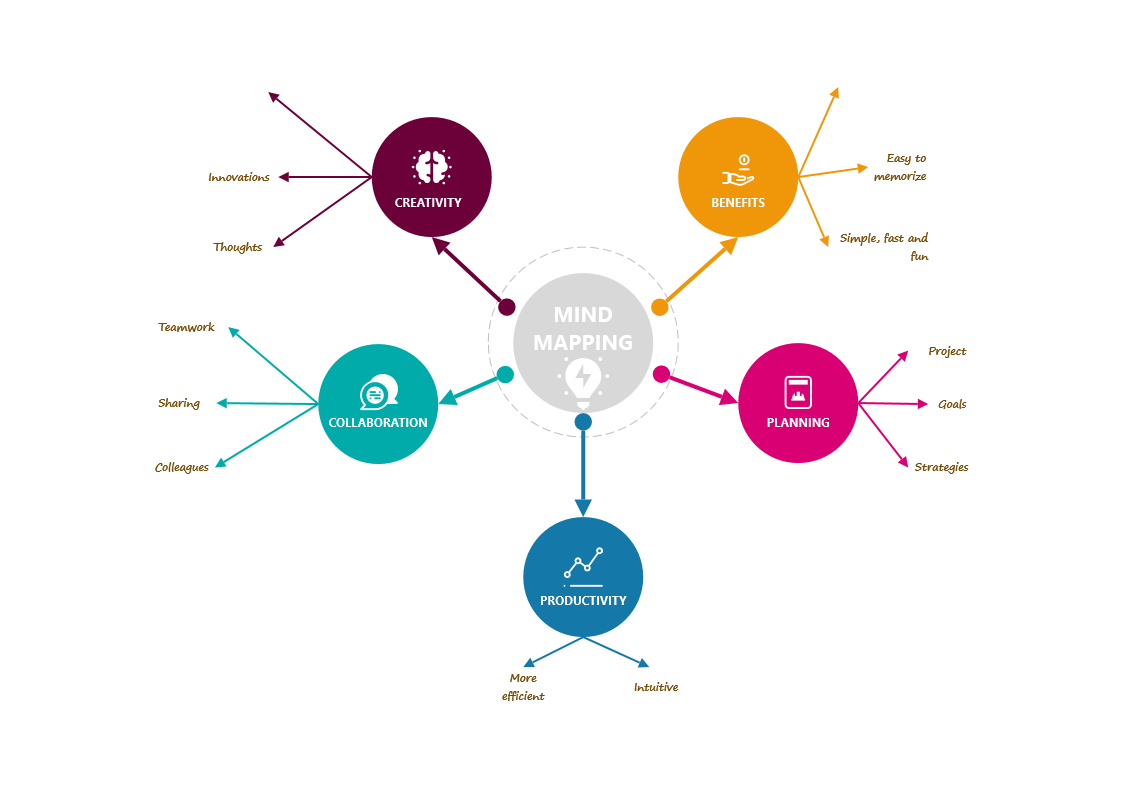
Mind mapping benefits
Explore creativity, learning and collaboration in a radial mind map.
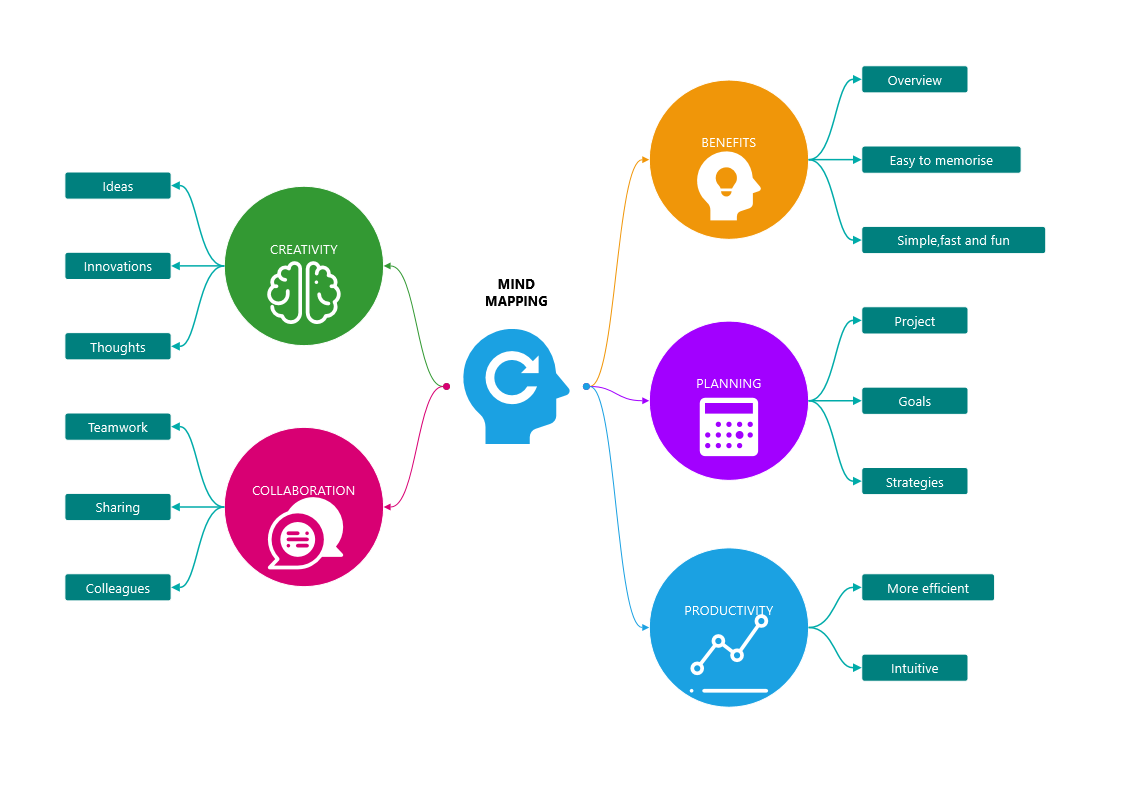
Ideas into action
Mind map connecting creativity, collaboration, benefits, planning and productivity.

SCAMPER brainstorming
A branching layout for exploring different approaches to an idea.
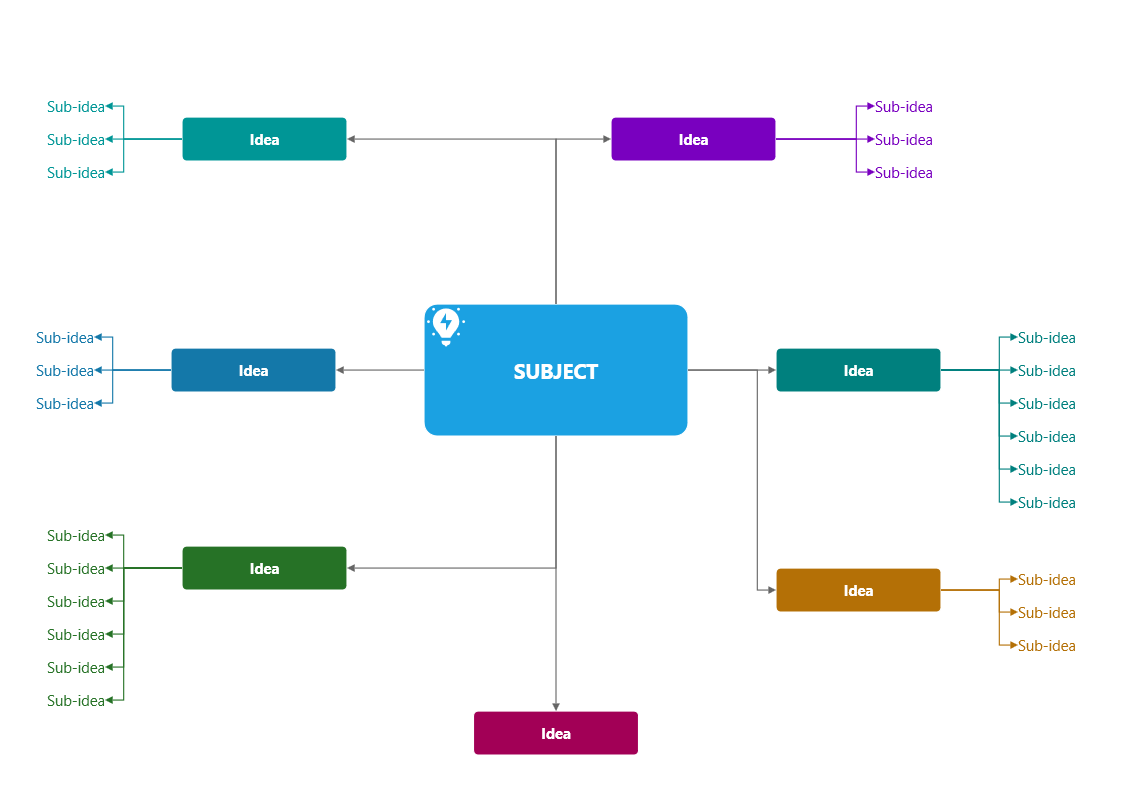
A branching mind map
Another example of organizing related topics into branches.
Flowcharts & swimlanes
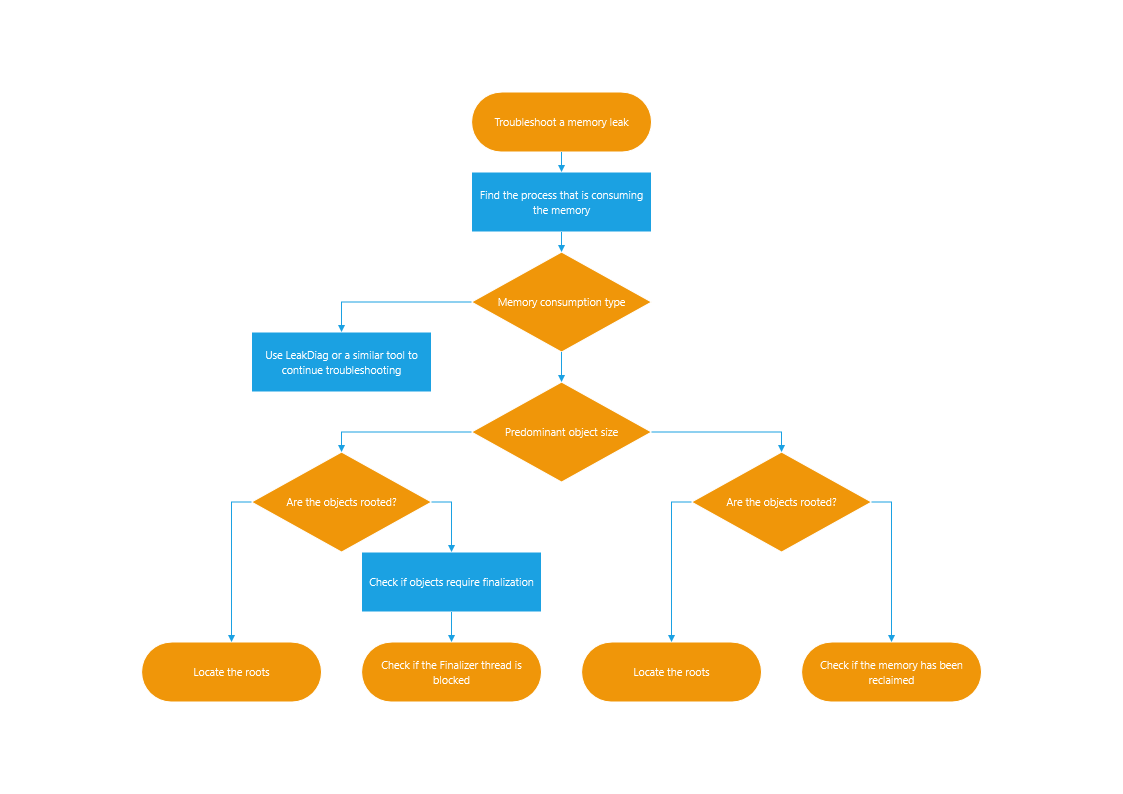
Decision flowchart
Connected steps and decision branches describe a process.
Explain a decision or a handoff
A flowchart shows the order of steps and where the path changes. The decision example shown here illustrates troubleshooting; the swimlane examples separate work by responsibility. For your own process, begin with a small task such as reviewing a request.
- Choose a start and an end, then add a rectangle for each action.
- Use a diamond for a question and label the outgoing paths clearly, such as Yes and No.
- Walk through both paths. If several people or teams are involved, place their steps in separate swimlanes.
Watch the decision flowchart tutorial. The video uses an earlier interface; its shapes-and-connectors workflow remains a useful introduction.

Process flowchart
A flowchart showing an alternative arrangement of connected steps.

Horizontal swimlane flowchart
Horizontal lanes organize the stages and responsibilities in a process.
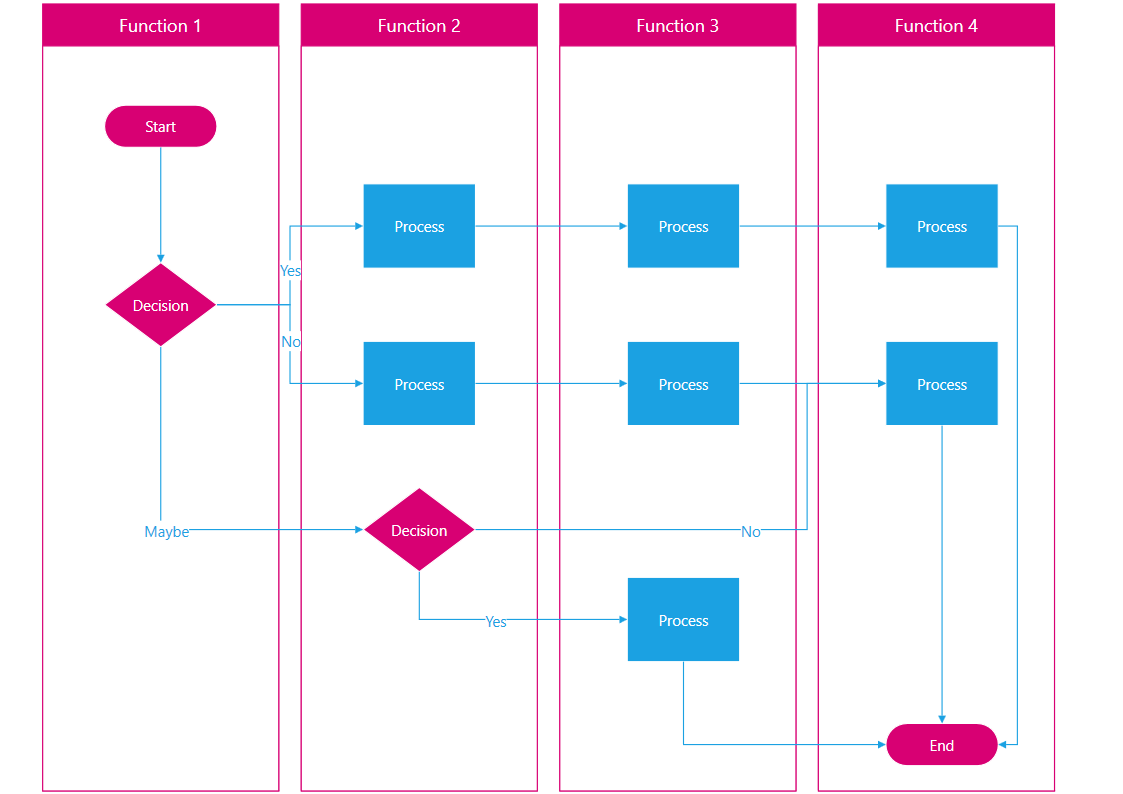
Vertical swimlane flowchart
Vertical lanes show how work moves between responsibilities.
Organization charts
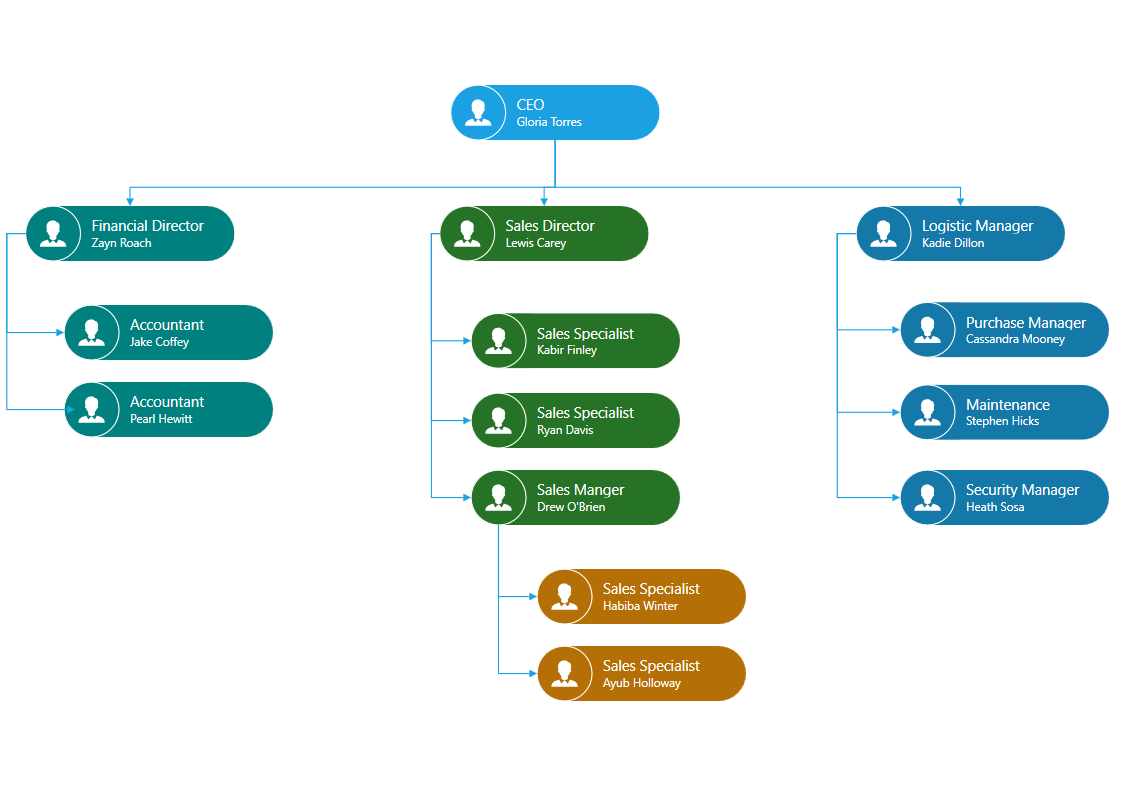
Organization chart
A hierarchy of connected roles in an organization.
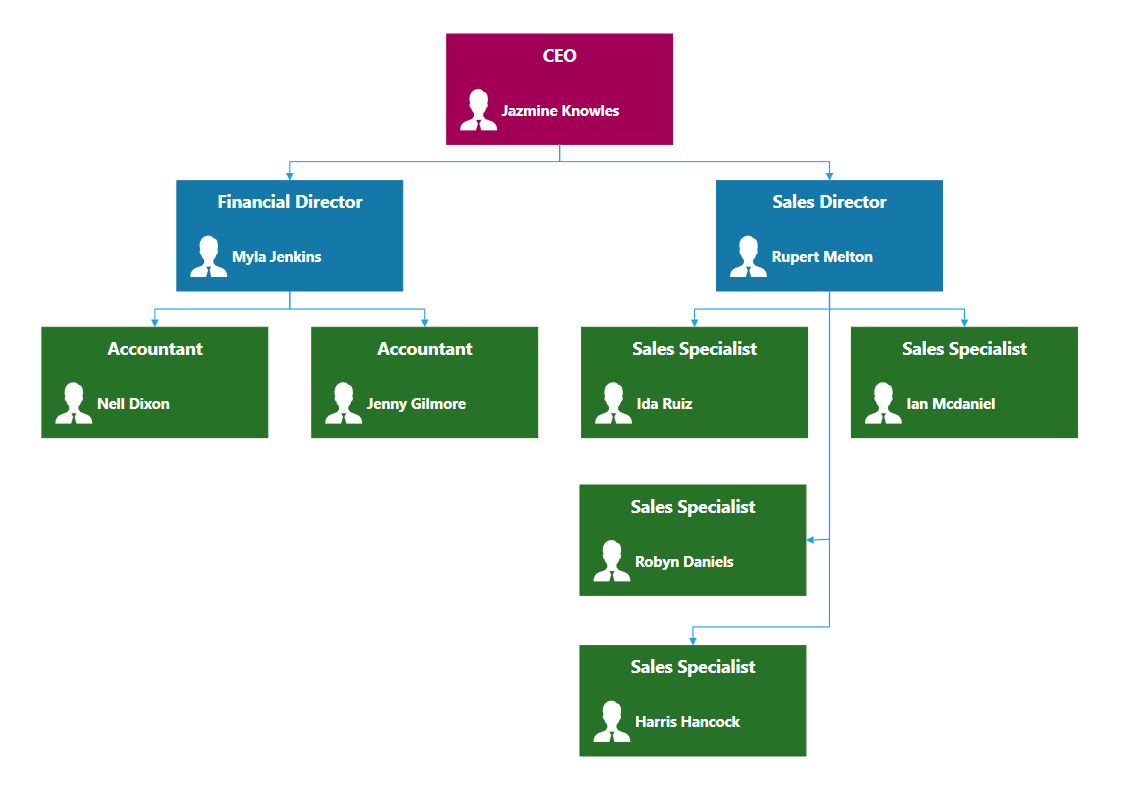
Team structure
An alternative organization chart for presenting team relationships.
UML diagrams

UML activity diagram
Actions, decisions and flows shown with UML activity notation.
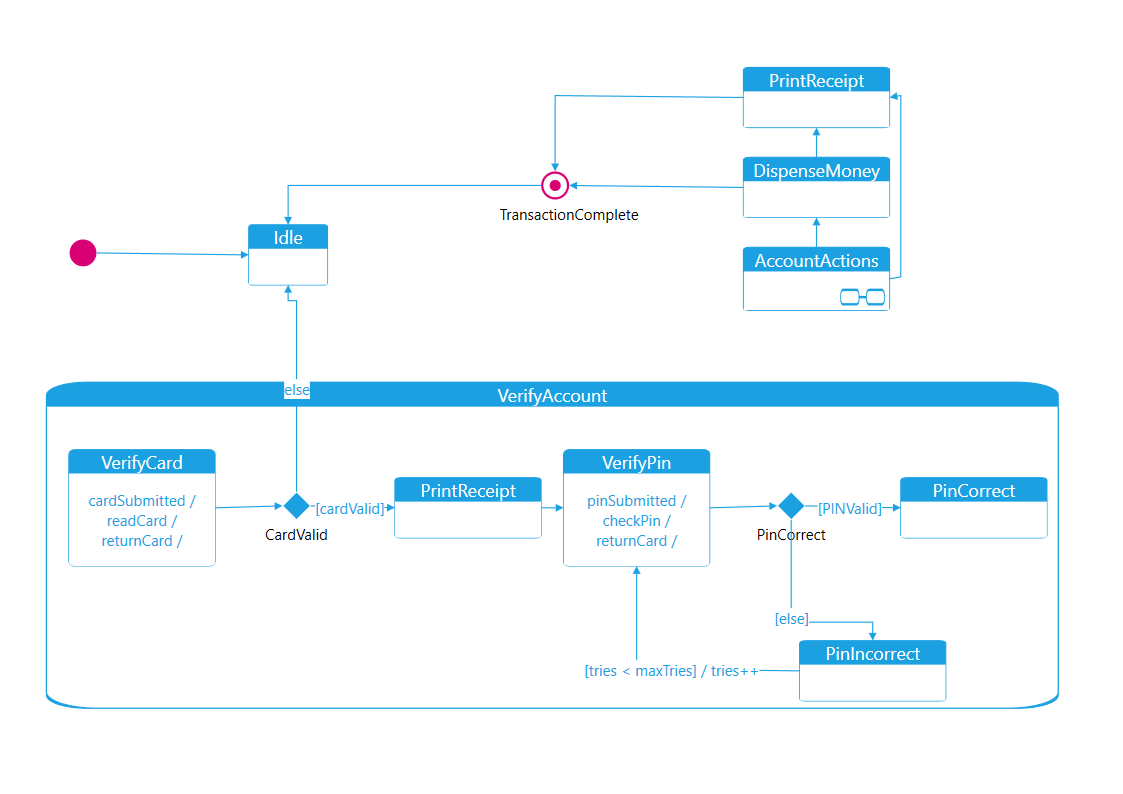
UML state machine diagram
States and transitions describe the behavior of a system.
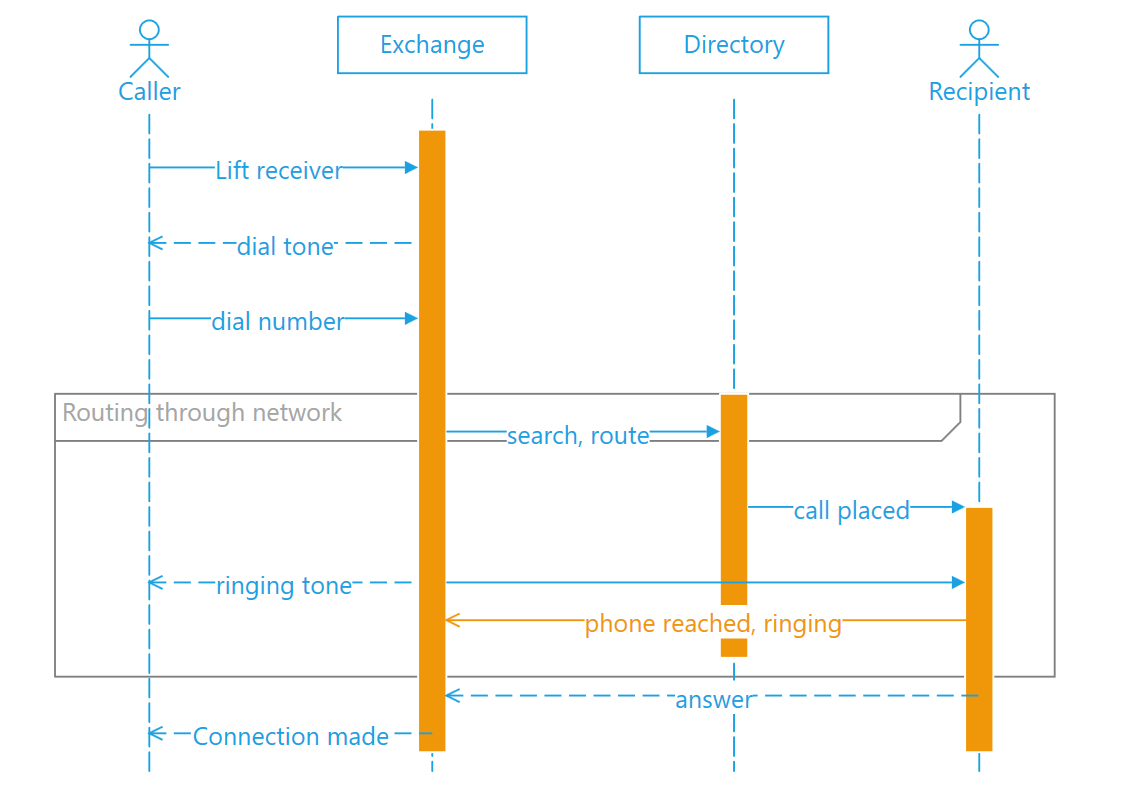
UML sequence diagram
Interactions between participants arranged in sequence.
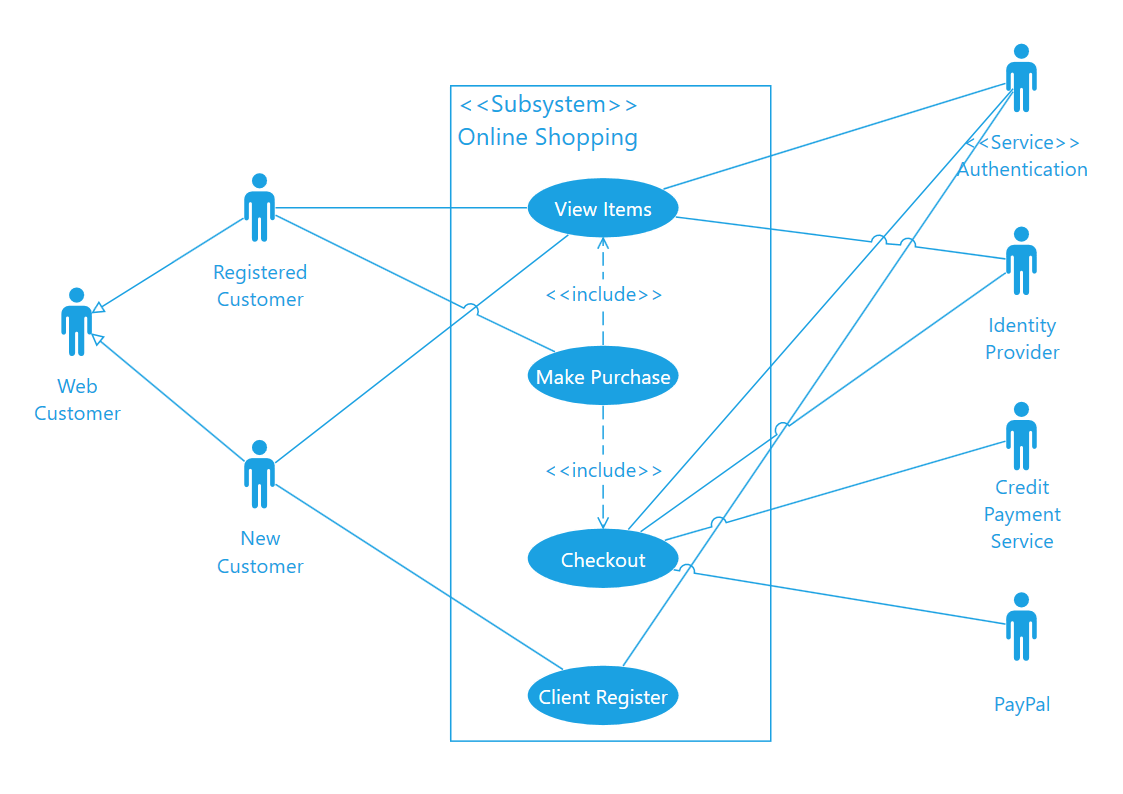
UML use case diagram
Actors and use cases describe interactions with a system.
Network & SDL diagrams
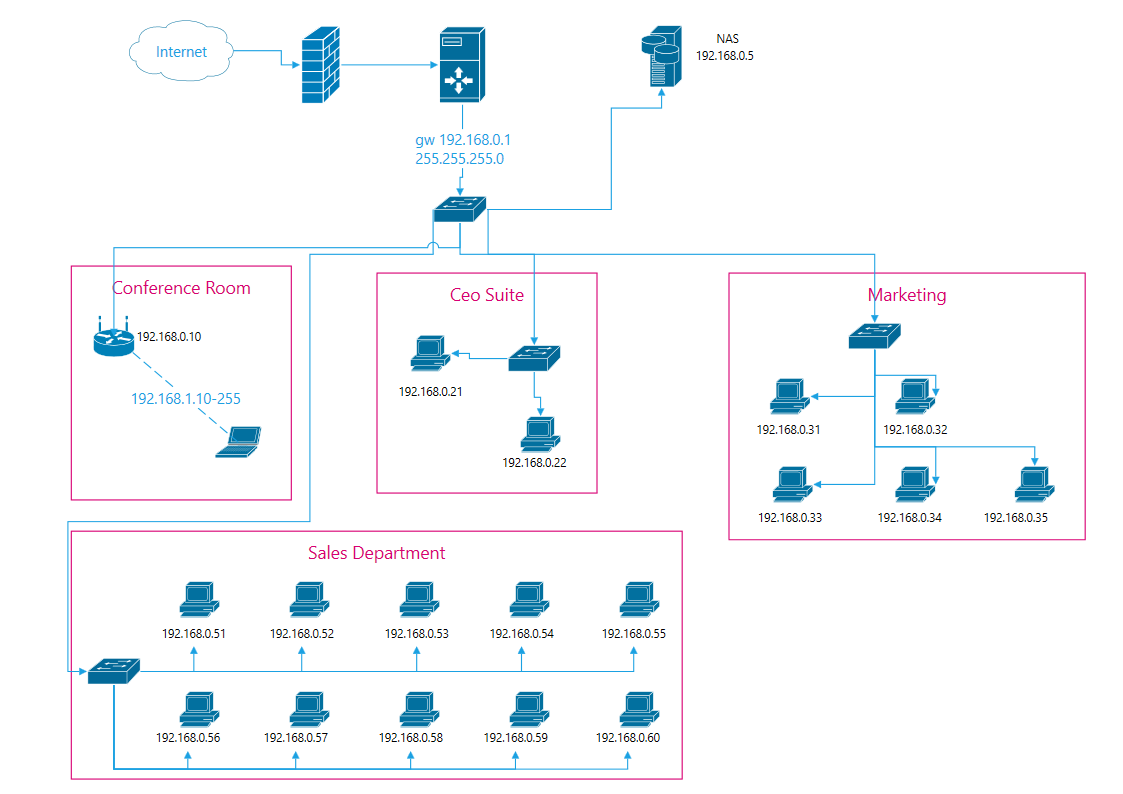
Network diagram
Connected devices illustrate the structure of a network.
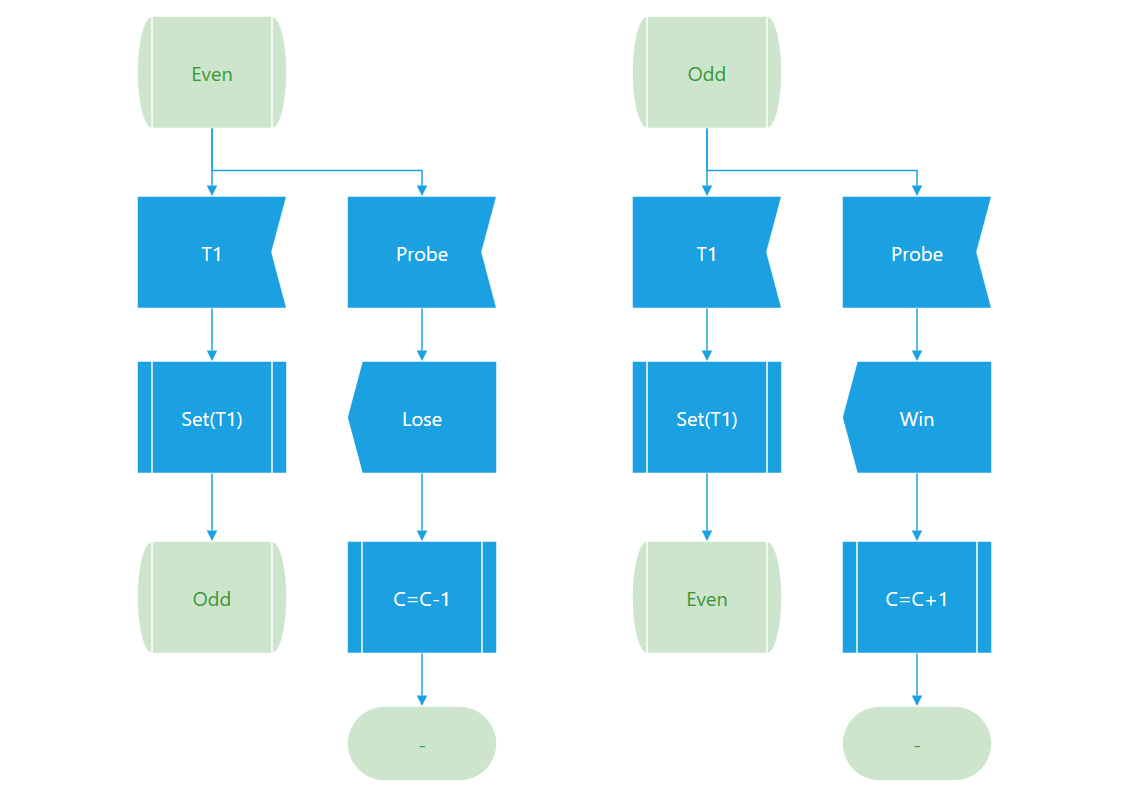
SDL diagram
A process represented using Specification and Description Language notation.
More ways to explain ideas
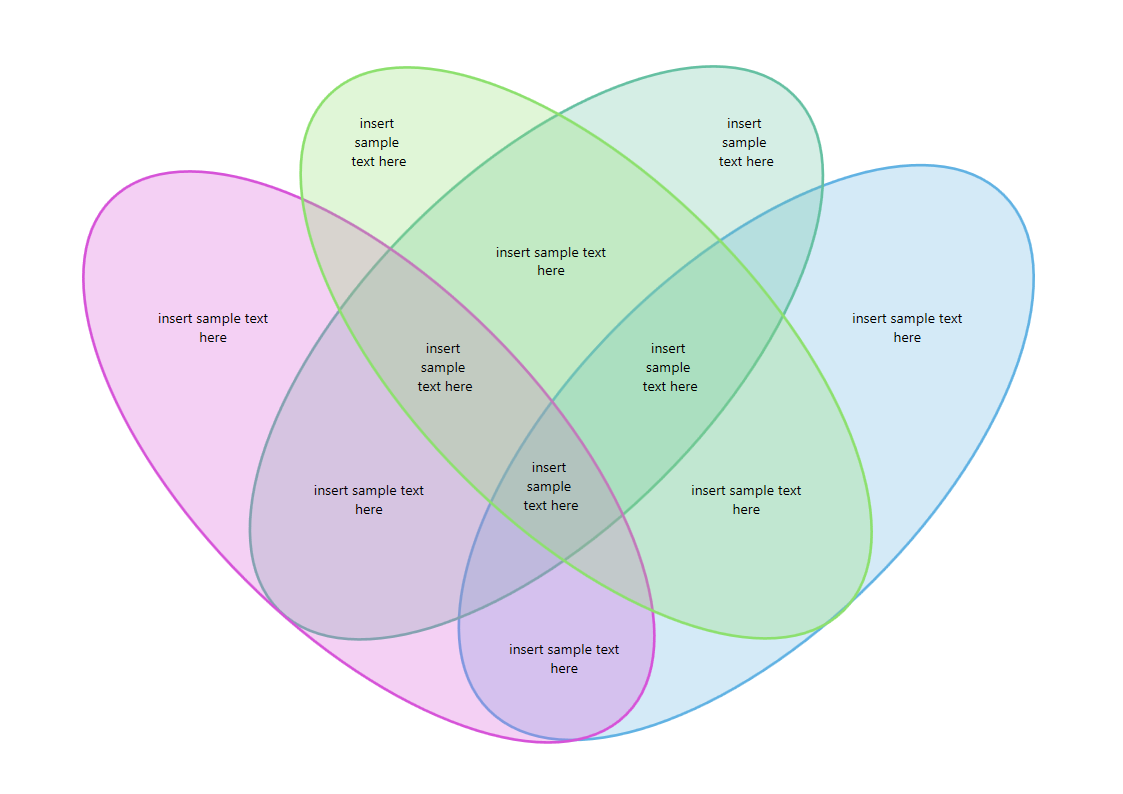
Venn diagram
Overlapping circles show relationships between sets.
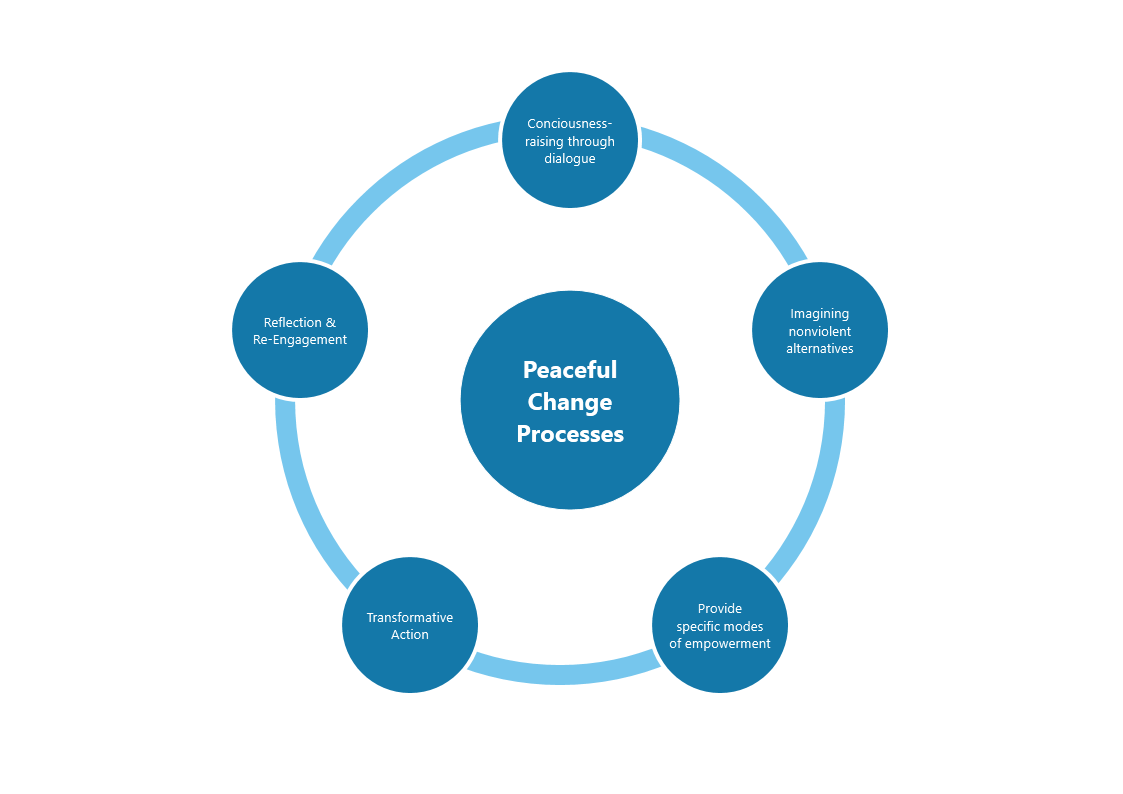
A cycle of peaceful change
A circular diagram presenting stages in peaceful change processes.
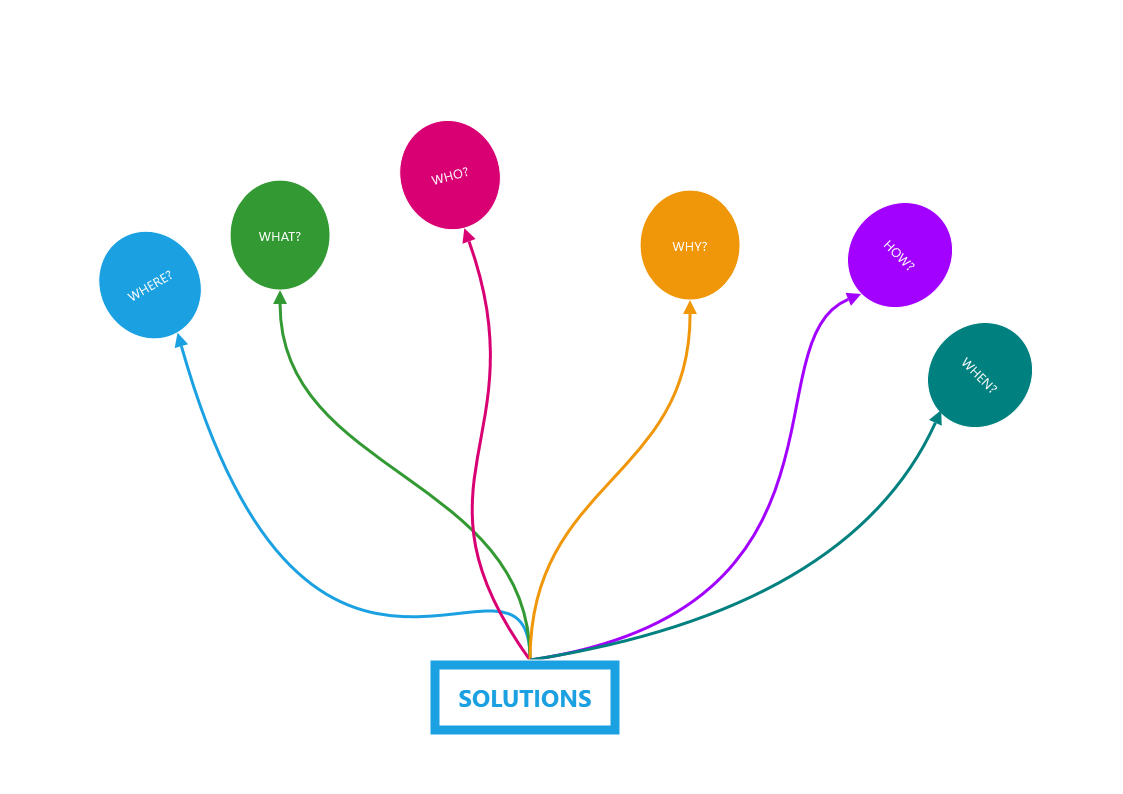
Six questions around a solution
Who, what, where, why, how and when arranged around a central solution.
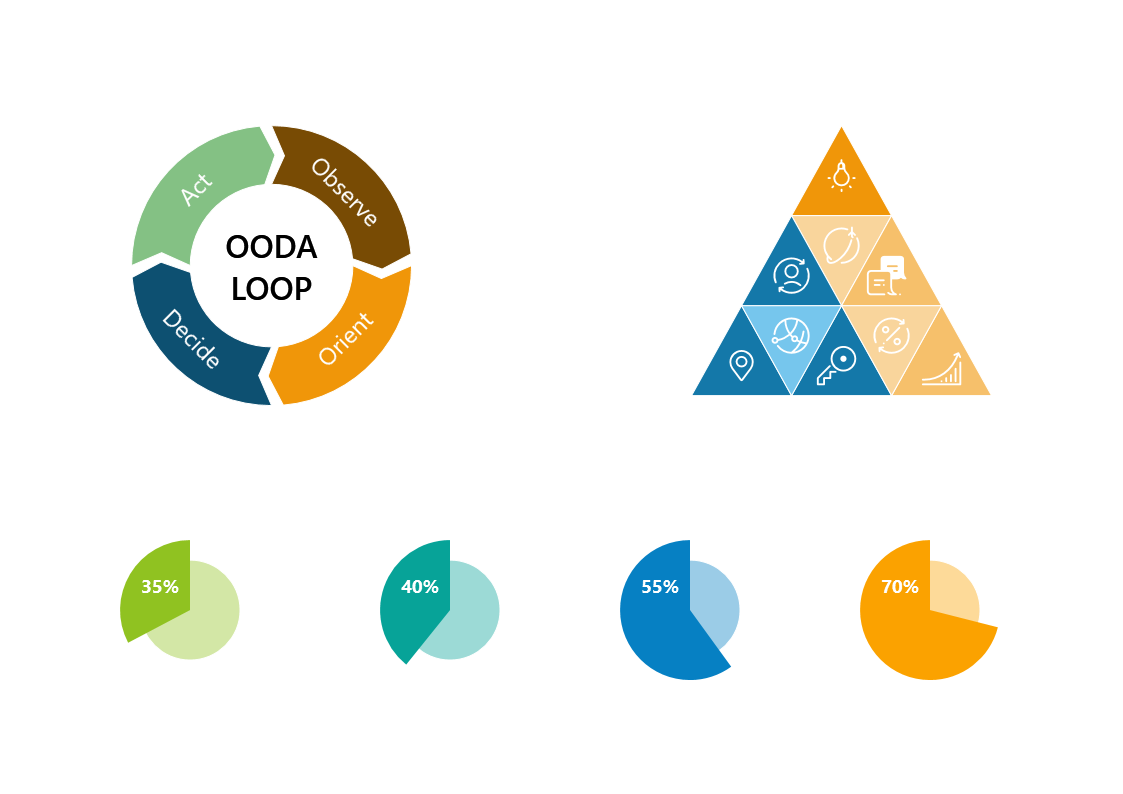
Loops, pyramids and comparisons
A collection of visual layouts, including an OODA loop and a pyramid.
Create your own mind map or diagram
Open a blank canvas or choose File → New From Template, then adapt the labels, connections and colors to your subject. Save the editable document before exporting a copy to share.
Current price and availability are shown in Microsoft Store.